





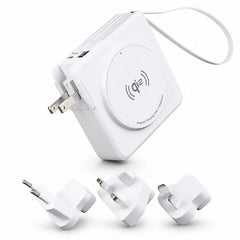





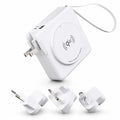
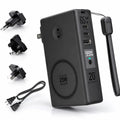

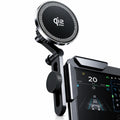

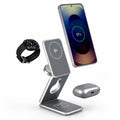
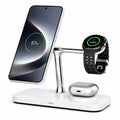
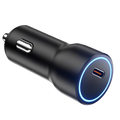







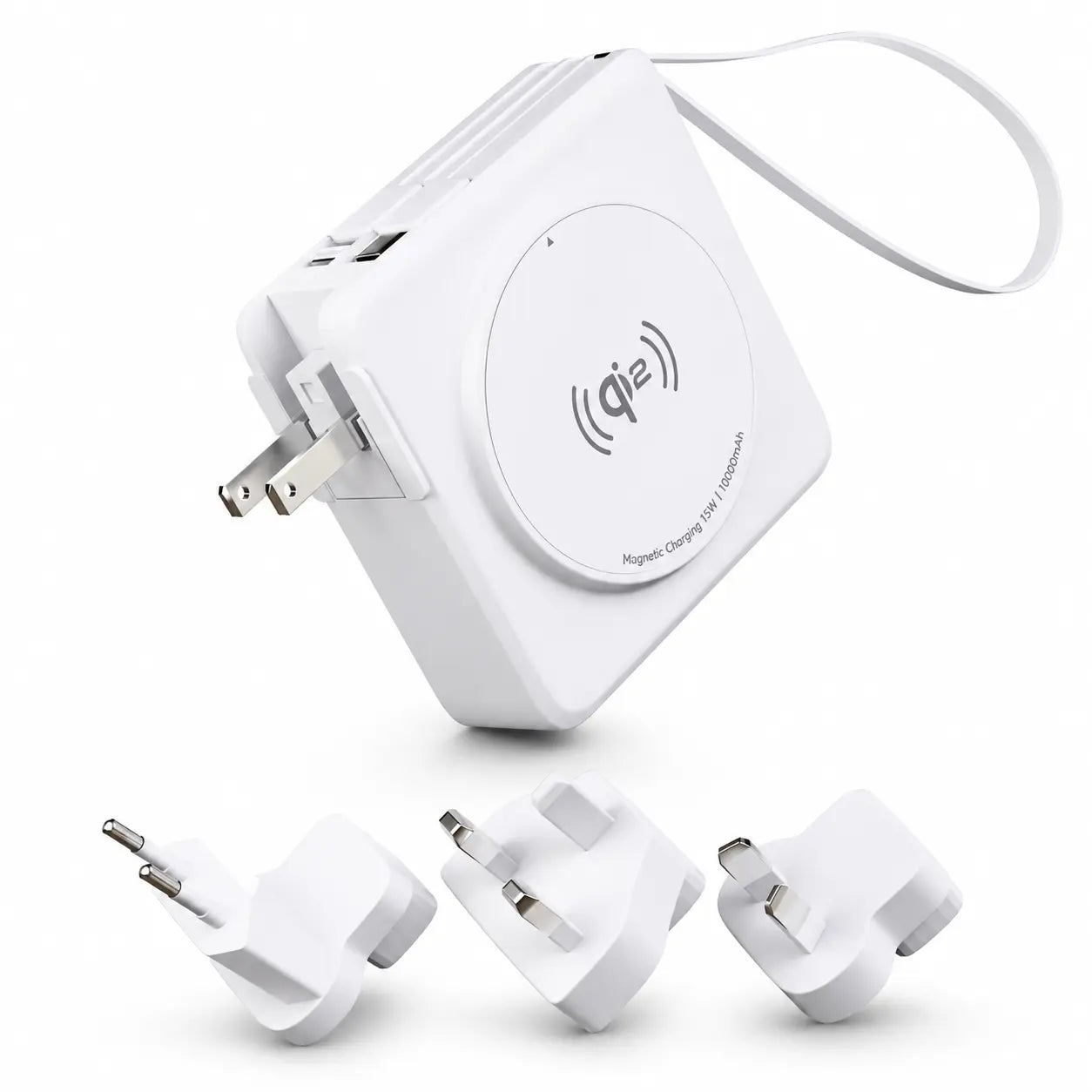
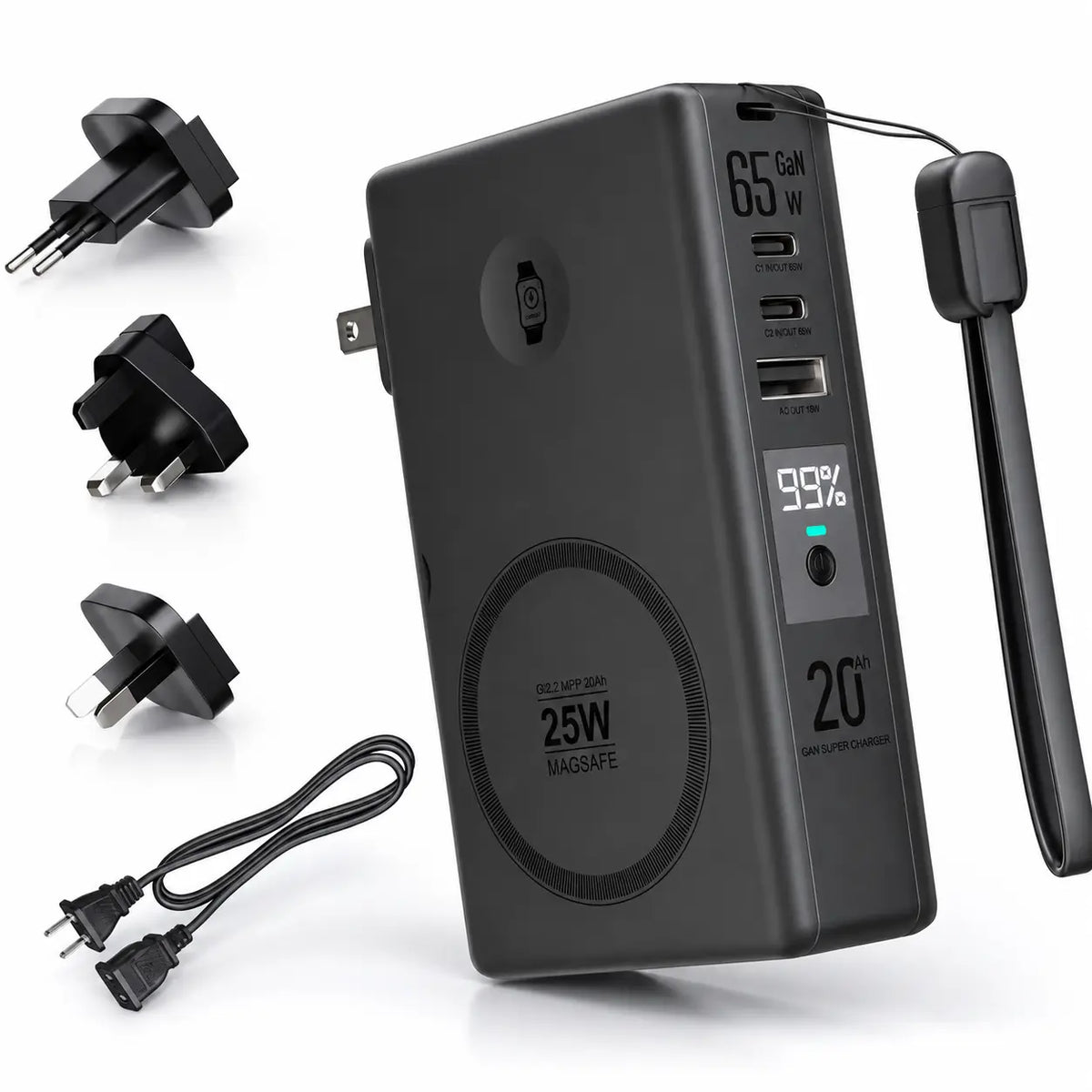


3-in-1 travel chargers
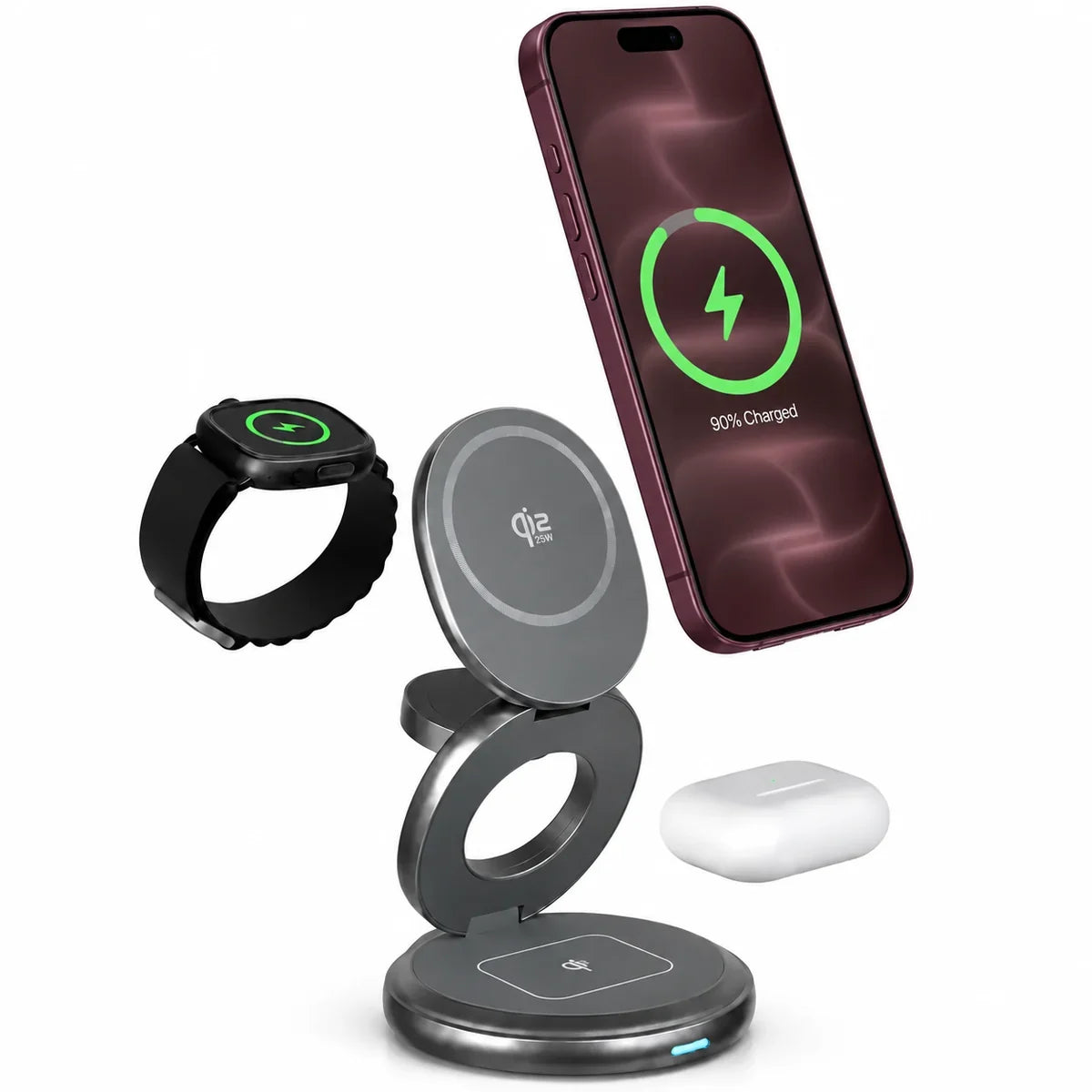
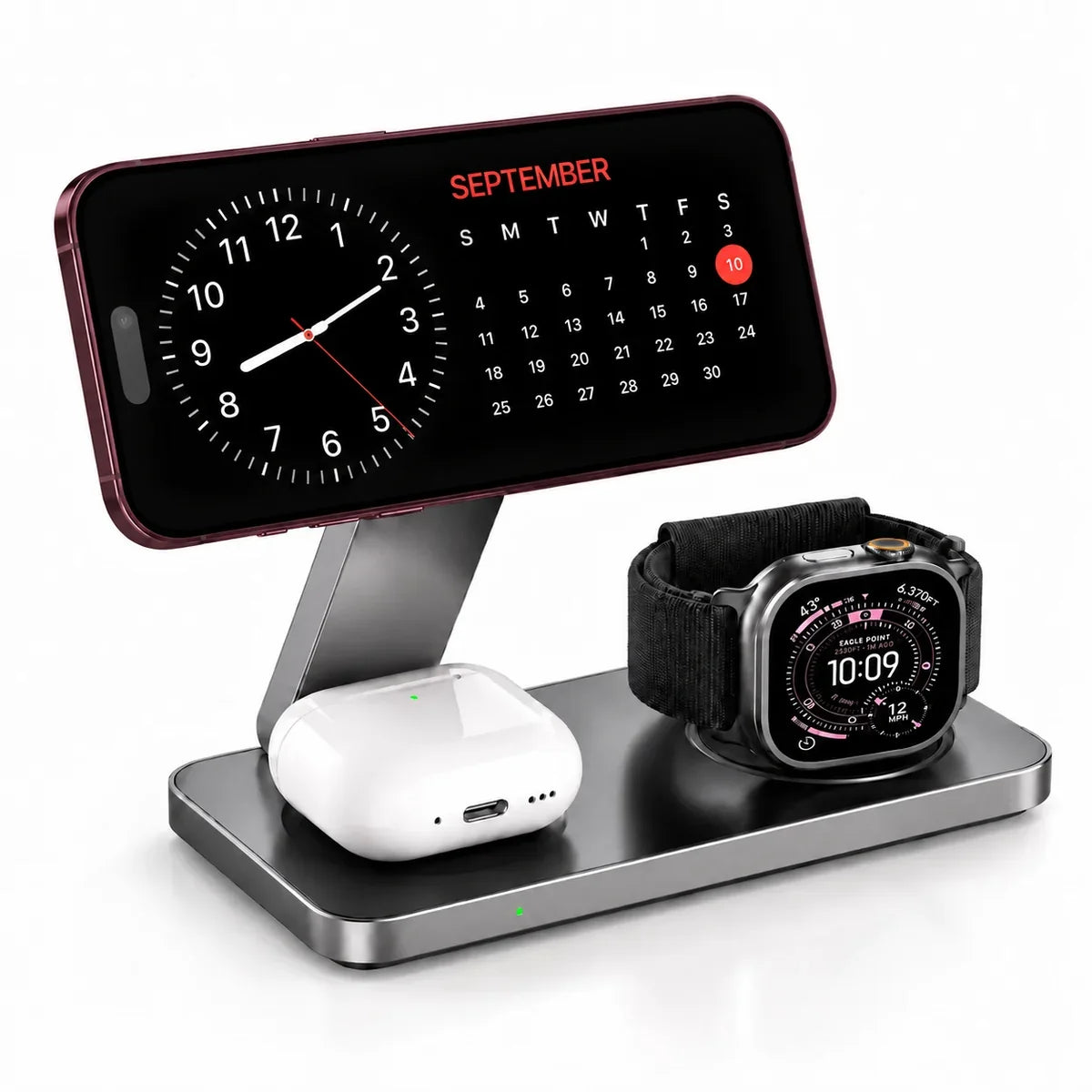
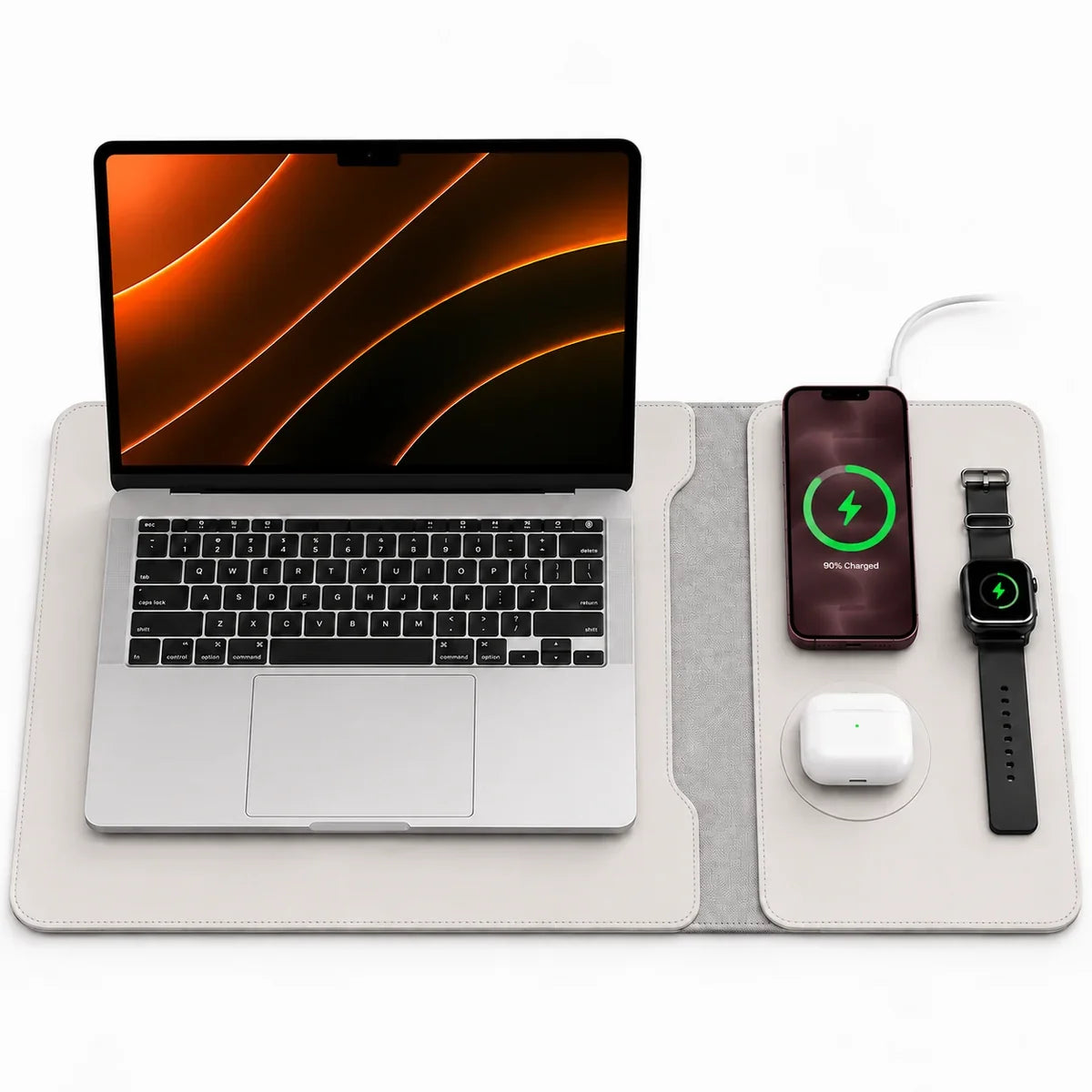
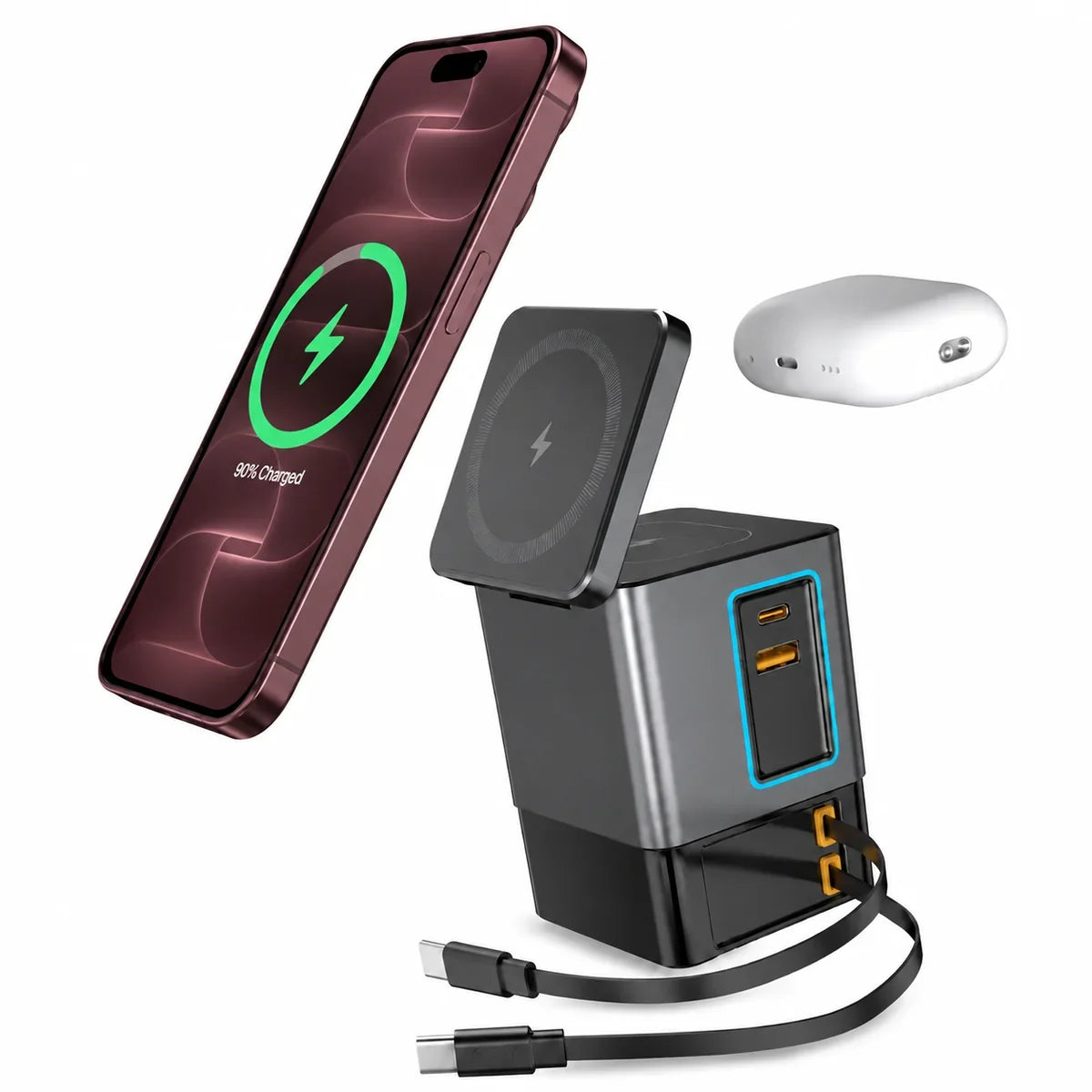
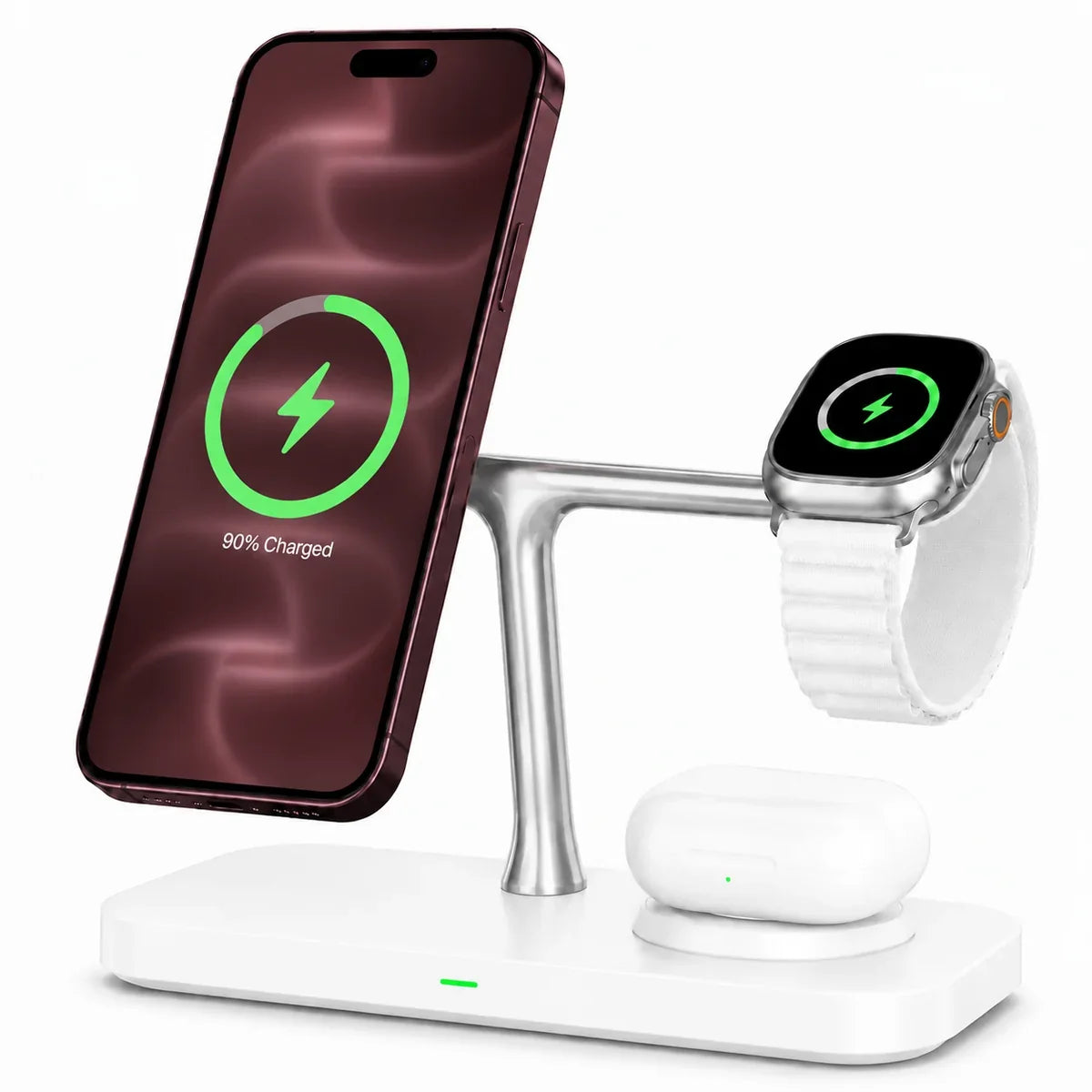
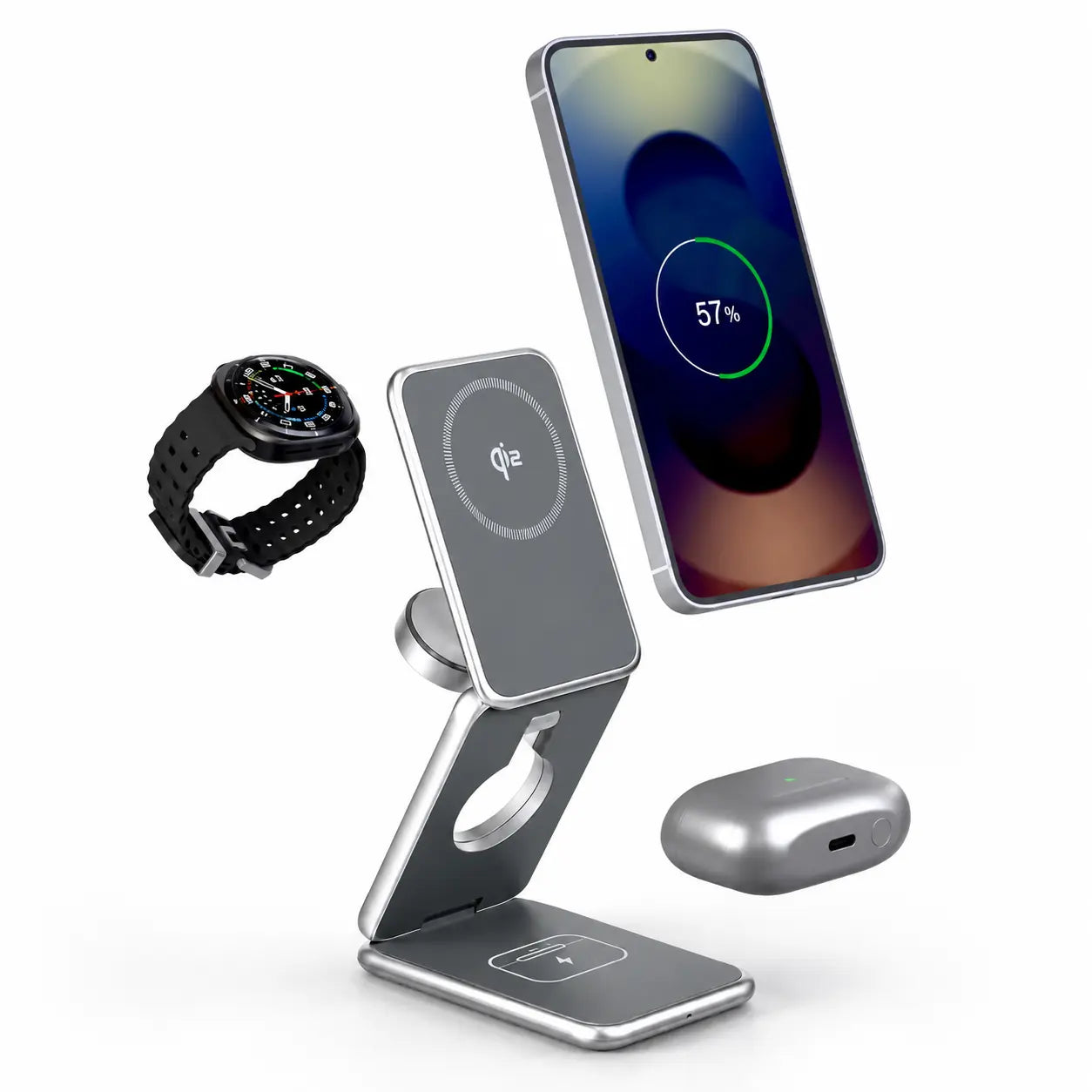
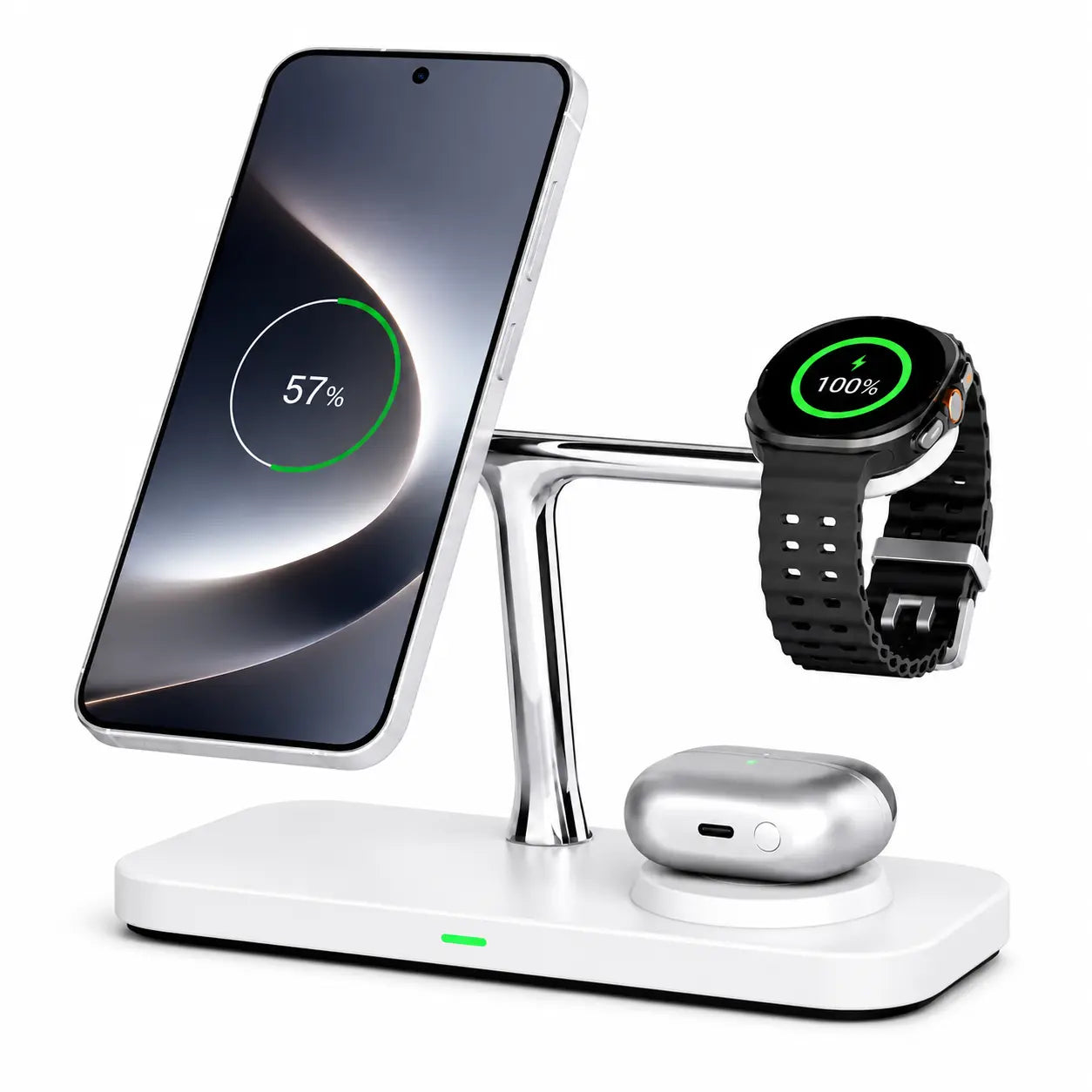
Charge your iPhone, Apple Watch and AirPods together. Choose a fold-flat design for lighter packing and a tidy hotel setup.
Pack lightA folding travel design
Charge togetheriPhone, Watch & AirPods
Help me choose
Start with what you charge. Choose a phone-only charger, a multi-device station or a USB-C charging setup to match your devices.
Check the full setup. Supported models, charging output, included cables and power-adapter requirements are listed on each product page.
MagSafe power banks
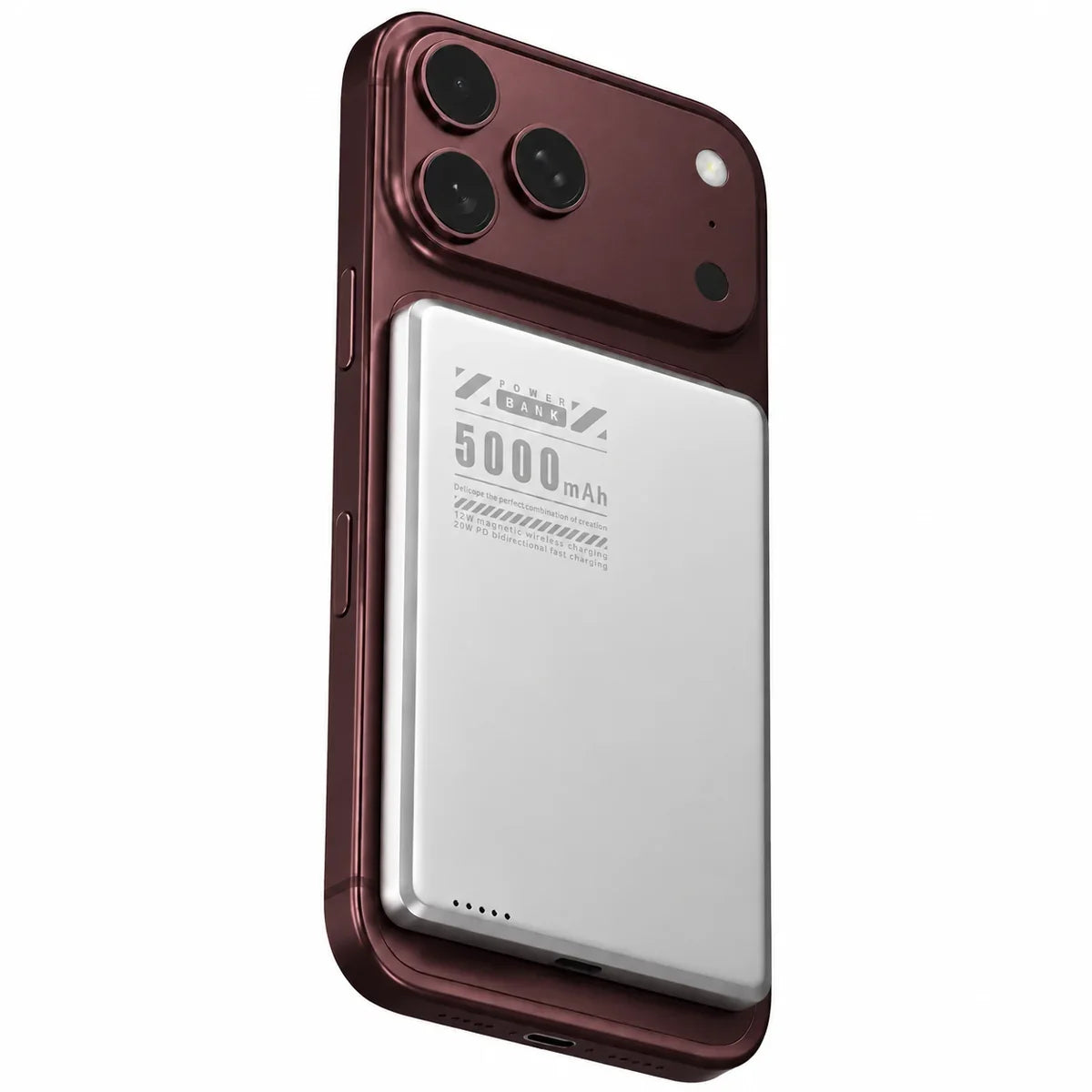
Pick slim magnetic power for daily carry or higher capacity for longer days. For tablets and laptops, compare USB-C output.
Travel lightSlim magnetic power
Stay out longerHigher battery capacity
Desktop chargers
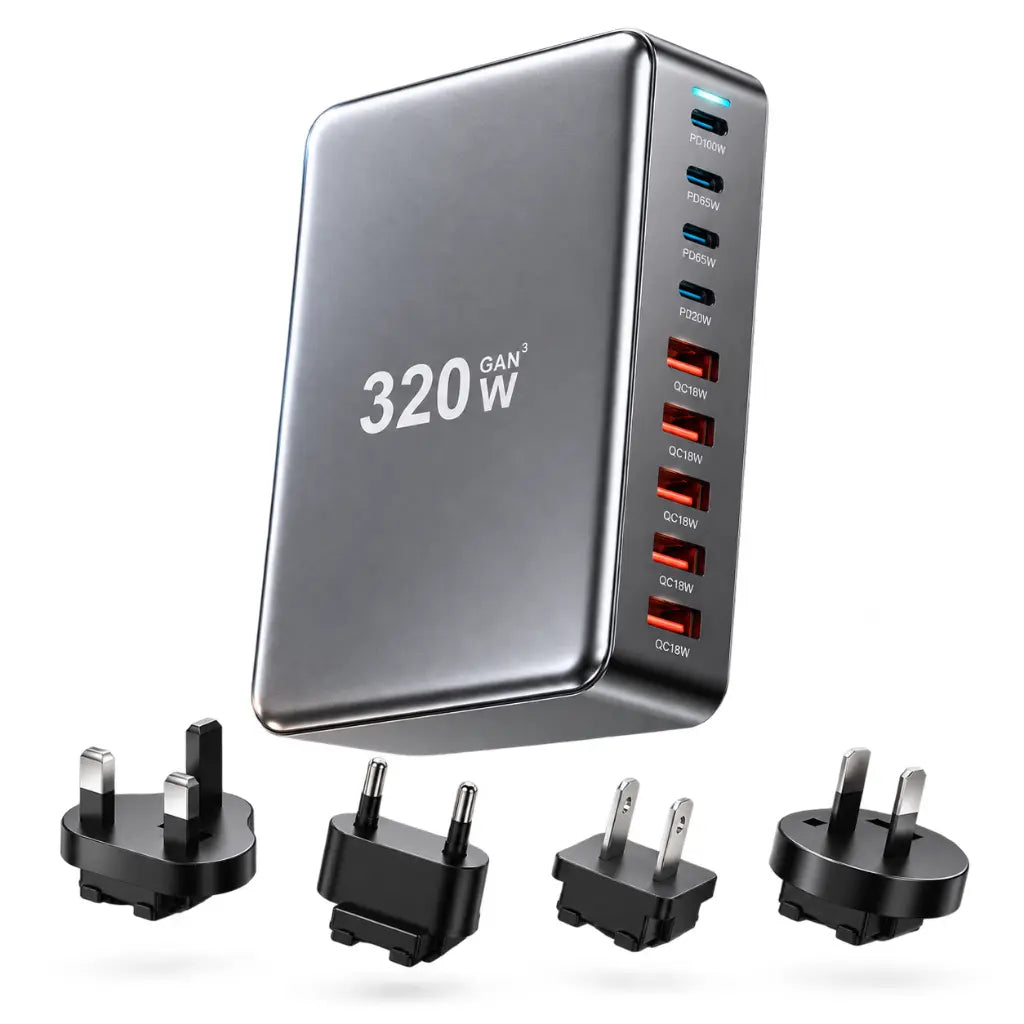
Choose a 3-in-1 for your phone, Watch and earbuds, or a multi-port hub for laptops and USB devices. Compare the ports you need.
By your bedA 3-in-1 charging station
At your deskMore USB-C ports
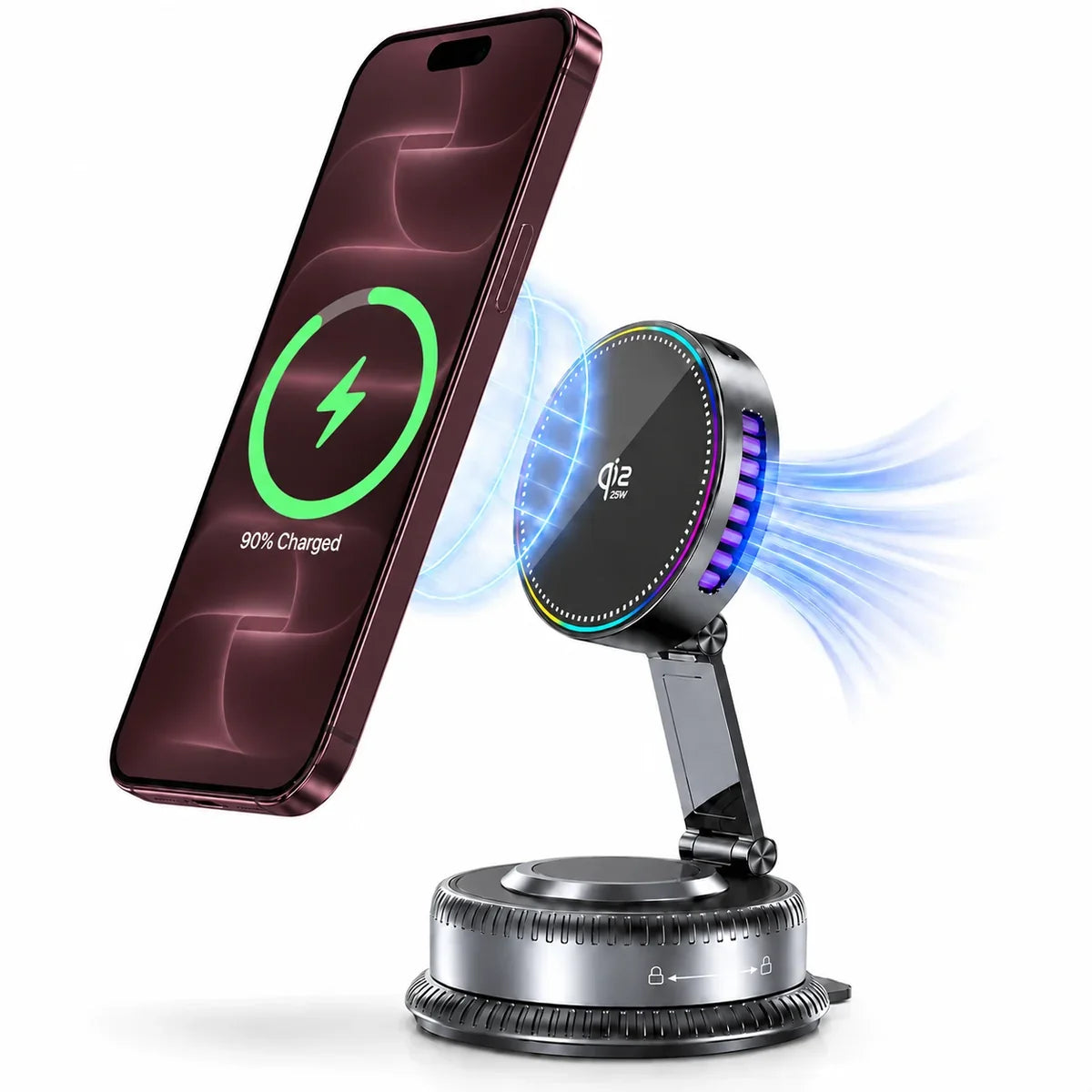
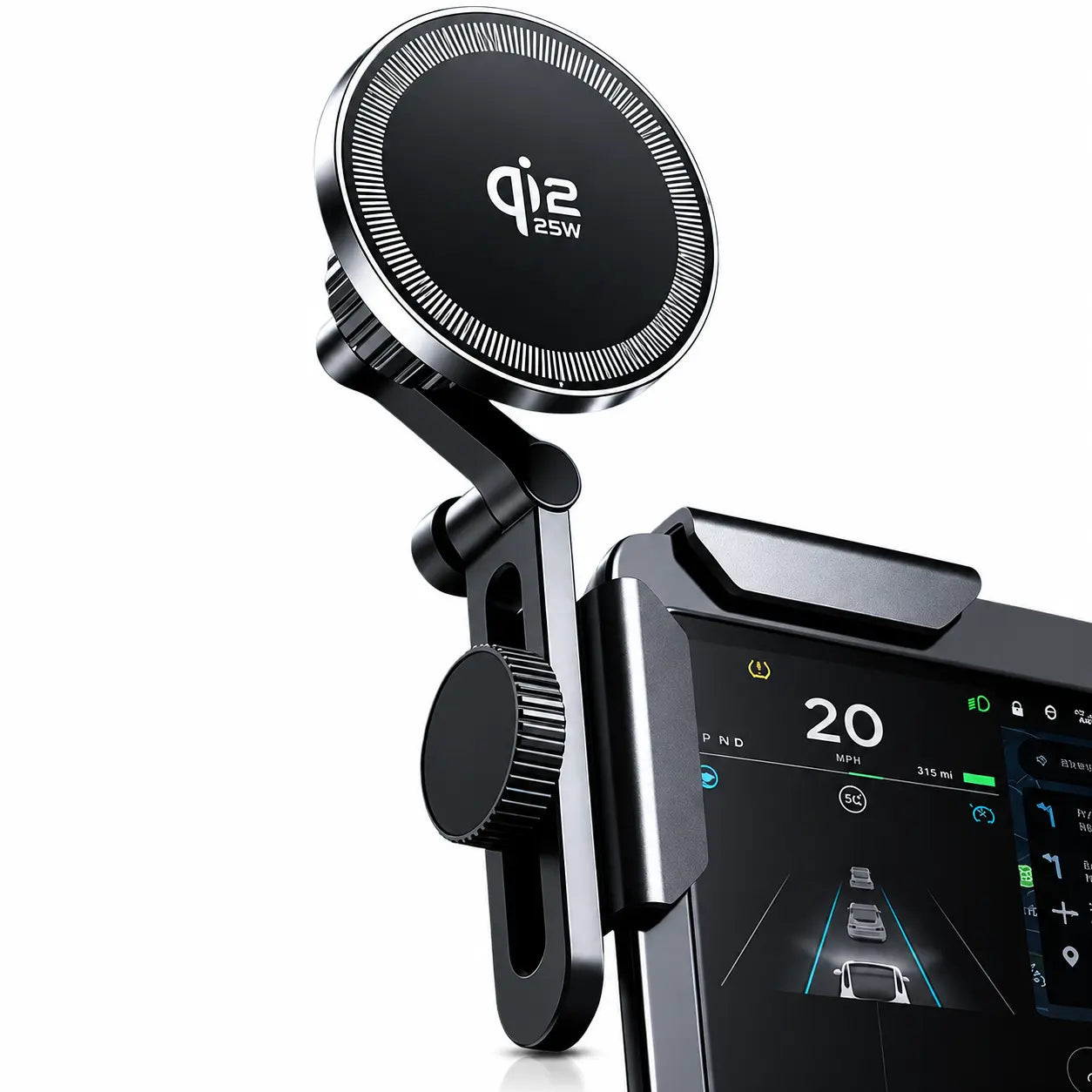
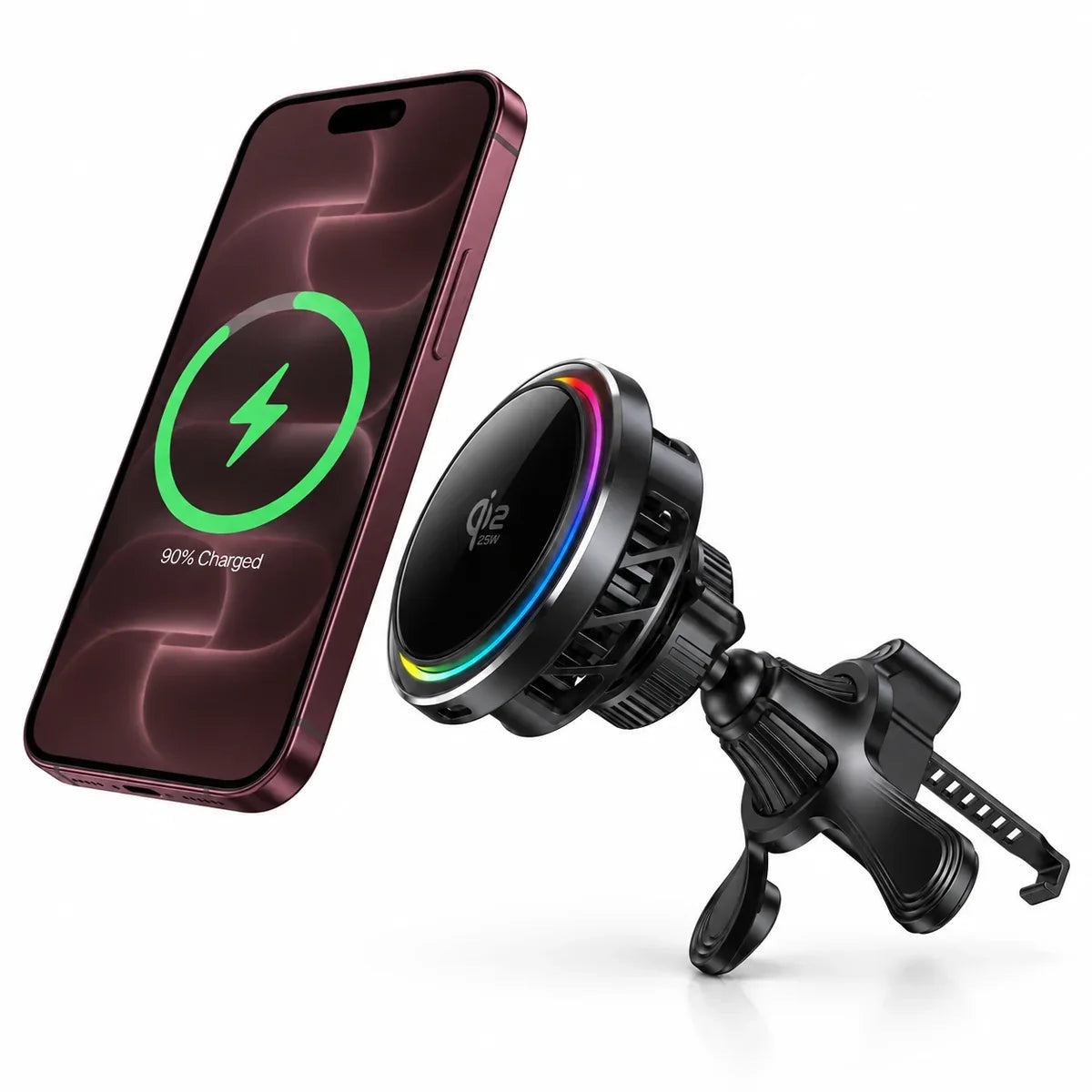
MagSafe car chargers
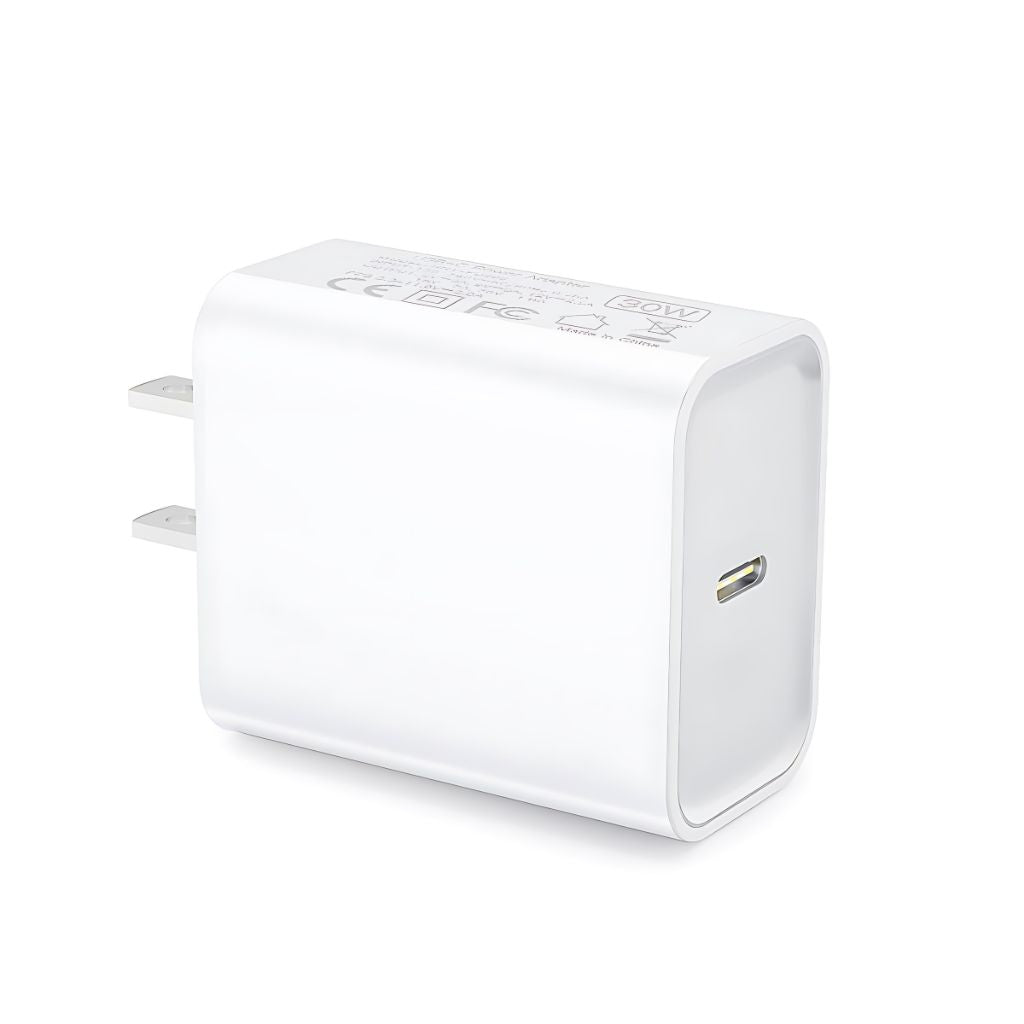
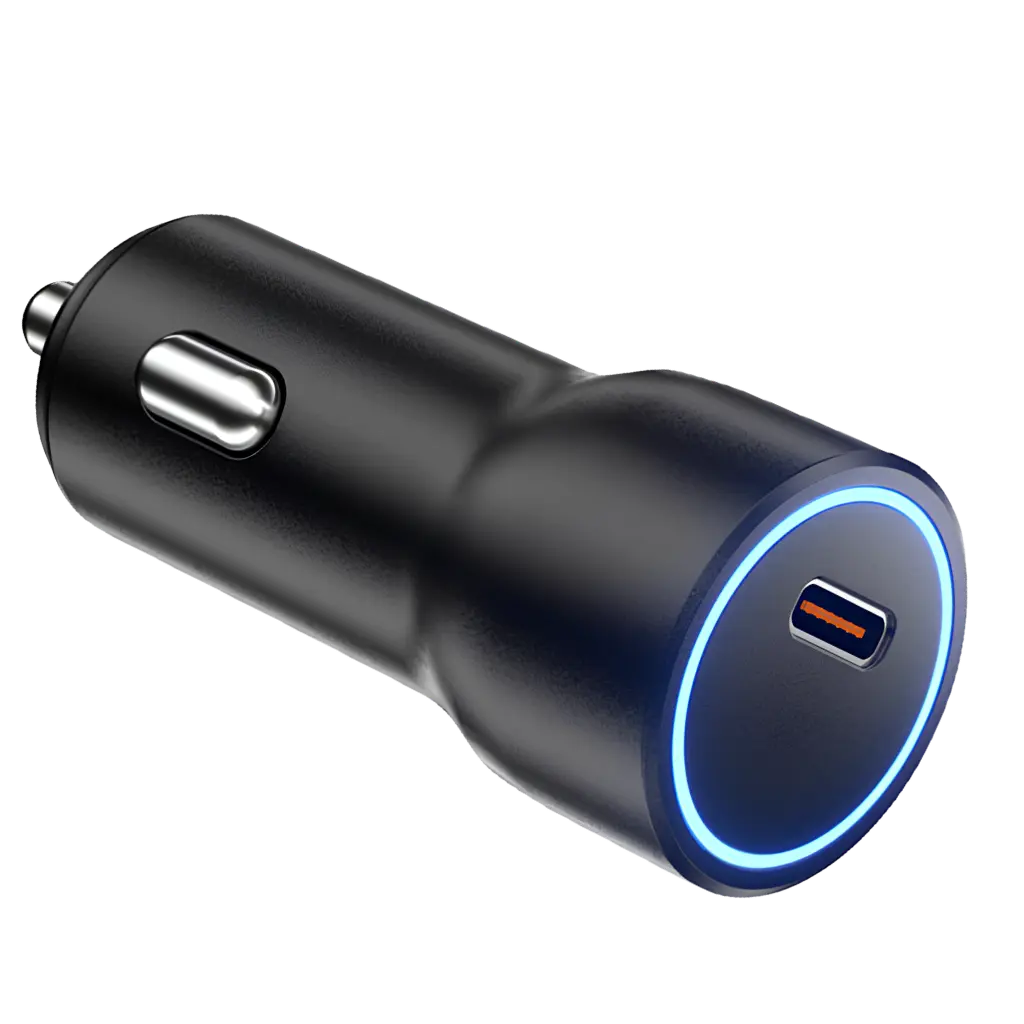
Start with where your phone will sit. Match the mount to your car, then check the phone and power-adapter requirements.
Mounting positionVent or smooth surface
Charging powerCheck your USB-C adapter
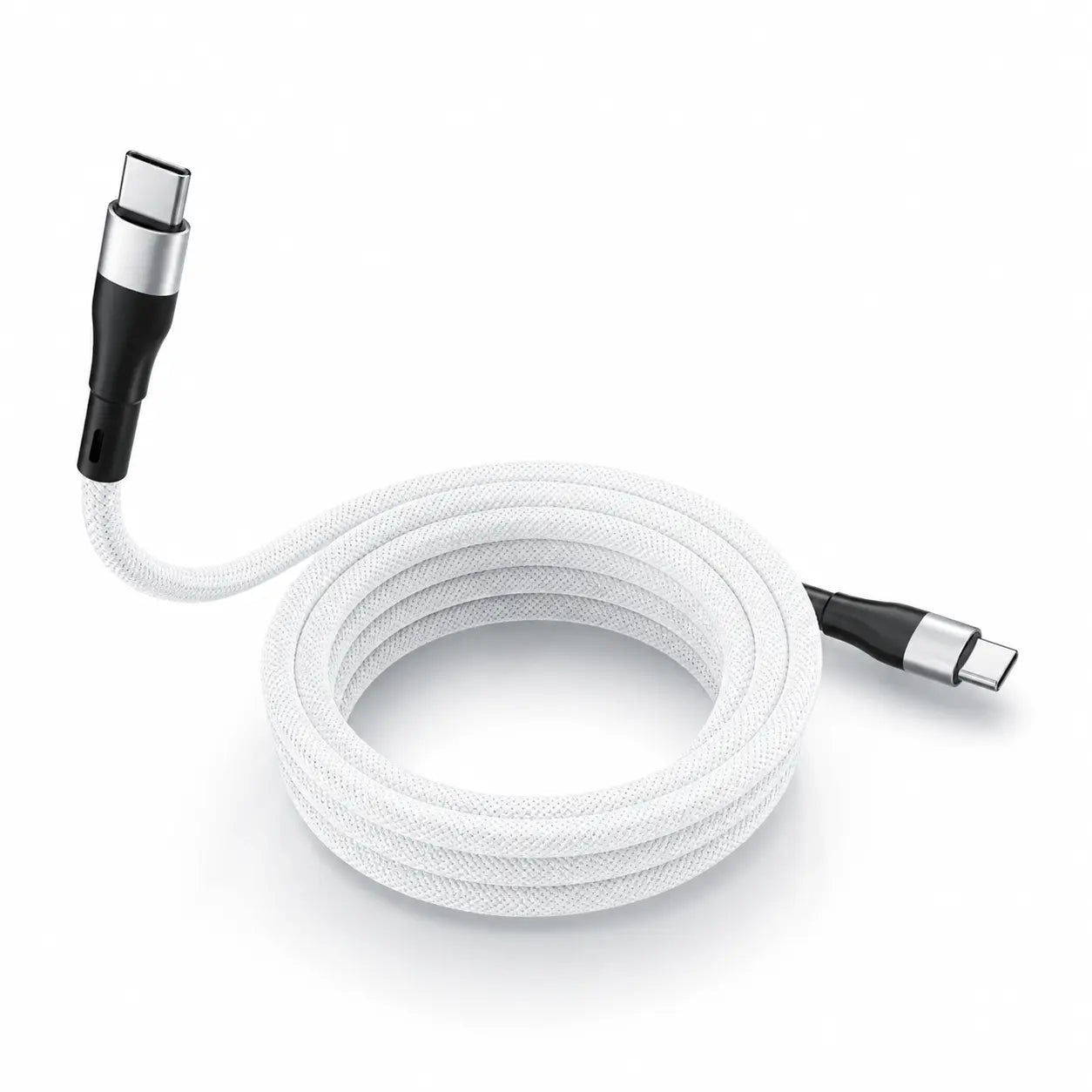
Charging cables
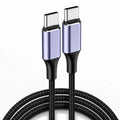
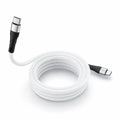
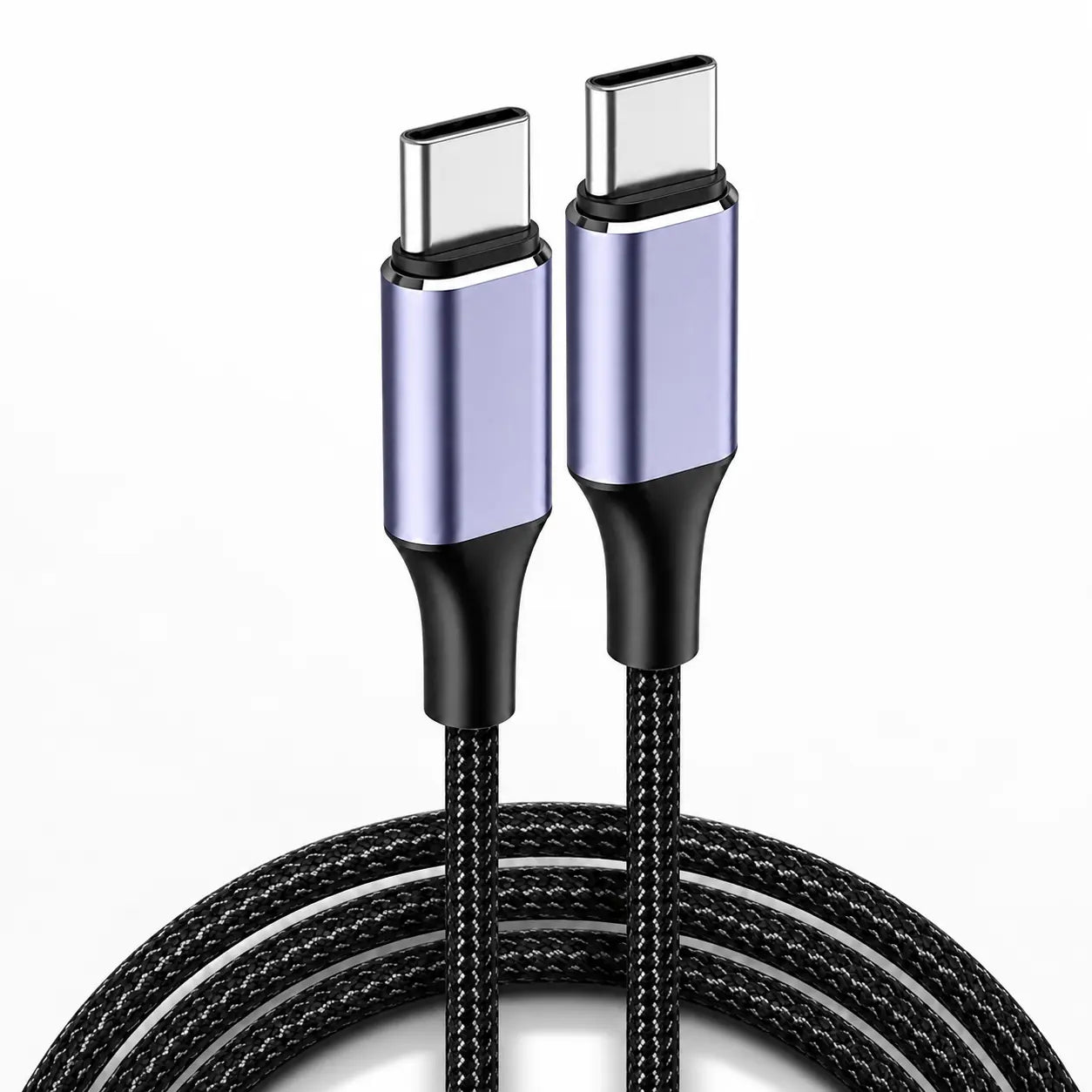
Match the connectors first, then choose the length and power rating for your setup. Check data-transfer support when you need more than charging.
ConnectorsMatch both devices
Length & powerChoose for your setup
Guides & Advice
Choose with confidence
Helpful comparisons and practical advice for finding the right setup.
A little help choosing.
How do I choose the right one?
Decide where you will charge and which devices you want to power together. Compare device compatibility, charging output, ports and the power adapter required for your setup.
How do I check compatibility?
Open the product and review its supported models and requirements. Choose your exact device option before adding it to your bag. For charging products, check the phone, charger and power adapter together.
Can I shop for more than one device?
Yes. Browse accessories by device, then check the supported models on each product page. Select the exact model and finish for every item before adding it to your bag.